
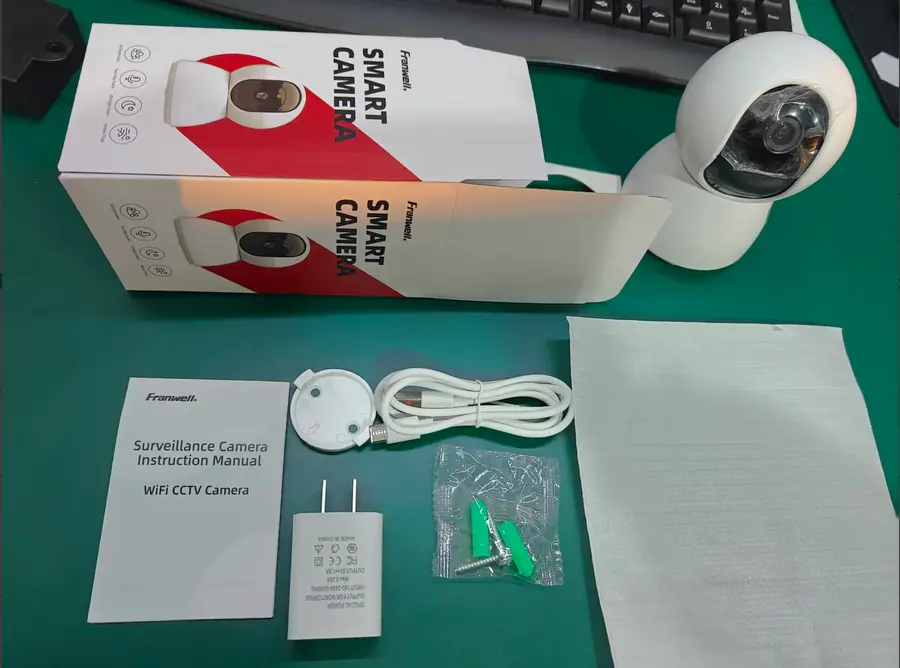
Choose WiFi when the mounting point has a stable router signal. Choose 4G when the site depends on mobile coverage. These are separate product versions—not two modes on one camera.
Start with the signal at the mounting point
Do not choose a connection from the signal inside the house or office. Stand where the camera will be installed and check the network there. A wall, metal gate, warehouse shelf or long distance from the router can change the result.
For WiFi, confirm that the camera location can receive a stable 2.4GHz network. For 4G, test the intended SIM network at different times of day because mobile performance can vary with congestion and weather.
- Stable 2.4GHz WiFi at the camera: choose a WiFi model.
- No usable WiFi but reliable mobile signal: choose a 4G model.
- Neither signal is reliable: improve the network before buying a camera.
What a WiFi camera needs
A WiFi camera connects to a compatible router and uses the site's internet connection for remote viewing and alerts. It is usually the simpler choice for homes, indoor shops and offices where the router is already installed.
A WiFi camera cannot accept a SIM card unless that exact model is separately specified as a 4G version. Model names can look similar, so check the connection label on the listing and packaging before ordering.
What a 4G camera needs
A 4G camera uses a SIM/mobile network instead of the local WiFi router. It suits farms, gates, construction areas, parking areas and other locations where fixed internet is unavailable.
The SIM must be compatible and active, and ongoing live viewing can consume significant data. Estimate data use before choosing a plan. A 4G camera is not a backup WiFi camera: it remains a SIM-based product.
Connection checklist before ordering
Record these details before comparing models. They prevent most connection mismatches.
- Exact indoor or outdoor mounting position
- Available 2.4GHz WiFi strength or mobile operator signal
- Distance and obstacles between router and camera
- Whether a SIM plan is acceptable every month
- Whether the selected model is explicitly marked WiFi or 4G
Compare the models that fit your site
Choose the connection and power first, then compare coverage and functions.